
Kling 4 Image to Video
Independent tool that runs the Kling 4 model through an API. Not the official Kling website.
Upload a photo, an illustration or a frame you just generated. Kling 4 keeps it as the opening frame and moves it the way you describe, with sound.
Nudity, sexual content and edits that undress real people aren't supported and will be blocked. Terms of Service
How it works
Attach the opening frame
JPG or PNG, with the generator on Create. Or make one in Image mode and tap Make a video on the result.
Describe the motion
What moves, how the camera travels and what you should hear. The clip follows the shape of your image.
Add an ending, or keyframes
Attach a second image to set where the shot lands, or several to pass through in order: up to 10 frames in all.
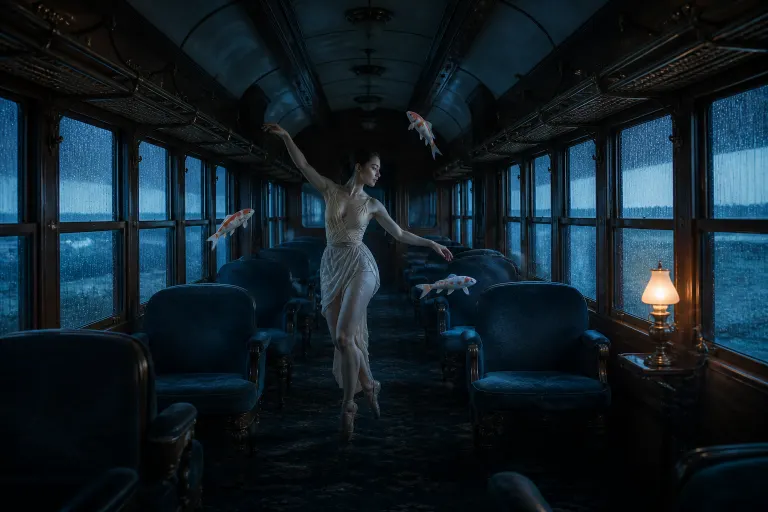
Opening frame
Video
Example clips for inspiration. Not all of them were made with Kling 4.
Prompts to start from
Click one to load it into the generator
FAQ
Questions about Kling 4 Image to Video
It is used as the exact first frame, and the clip moves on from there. Say "keep the style and the face" in the prompt when consistency matters most.
Images the clip passes through in order between the first and last frame. Kling 4 takes up to 10 frames in total, so you can storyboard a shot and let it fill in the motion.
It follows your opening image, so a portrait photo makes a vertical clip and a landscape one a horizontal clip.
Yes. Generate it in Image mode, then tap Make a video on the result. The generator switches to Video with the image as the first frame.
Make your first Kling 4 video
Sign up, get free credits and render a clip with sound in a few minutes.